Your profile, your data and privacy
Update your details, download a copy of your data, or ask us to erase it.
Update your profile
In Profile change your First name, Last name, Phone and Preferred language, then click Save profile.
Your e-mail can't be changed here once it is verified — contact support from your current address.
Download your data
Open My data and click Export my data. When the file is ready, click Download JSON.
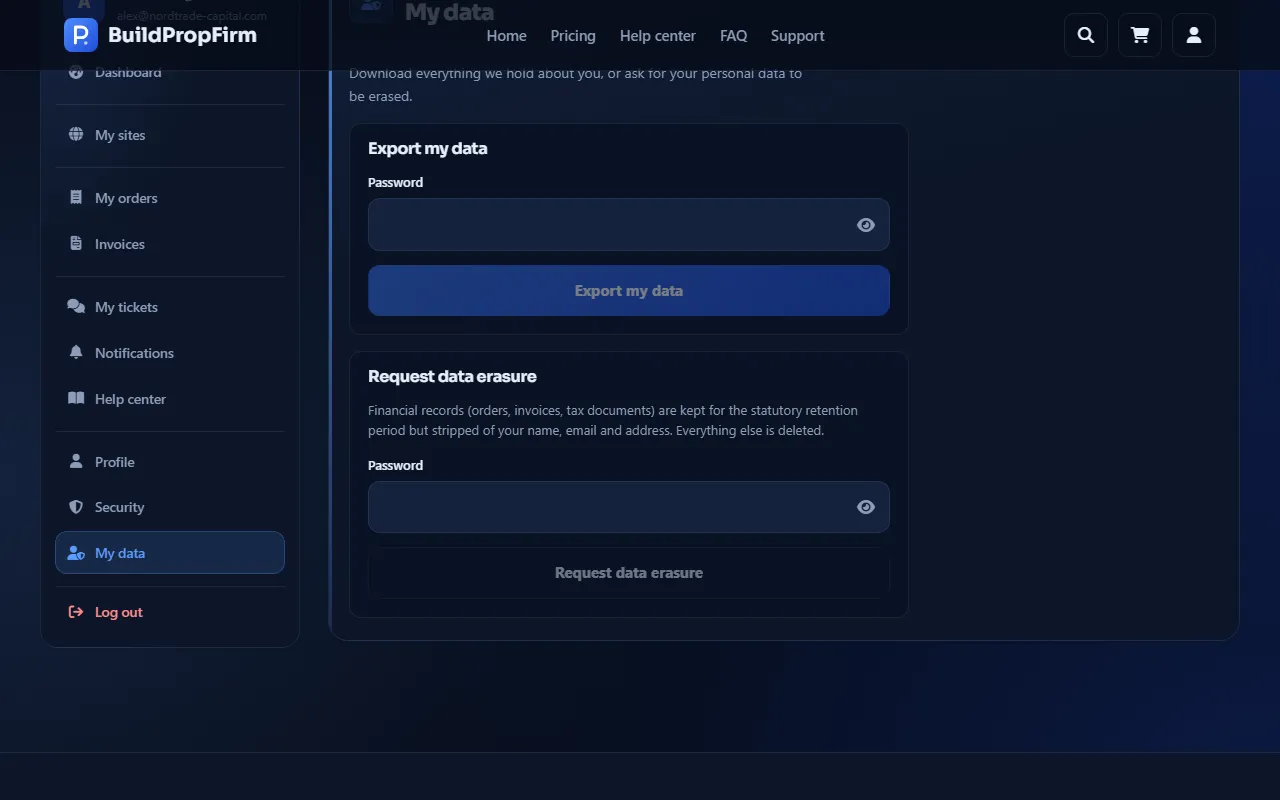
Request erasure
In My data, Request data erasure asks us to delete your personal data. It isn't possible within 90 days of a purchase or while a compliance case is open.
Your site's traders and their data live in your site's own admin, not in your Build Prop Firm account. See End the service.
Close your account
Under Security → Close account, enter your password (and your two-step code if it is on), tick I want to permanently close my account and click Close my account. You are signed out everywhere and can no longer sign in.
This works only once none of your sites is running or waiting for payment: first use End the service on each site (or cancel an unpaid order). Closing does not delete your data — use Request data erasure for that.
Without an account?
Use the privacy request form.