End the service
How to ask us to end your site's service, what the last invoice bills, and what happens to your data.
Export your data first
Your site's data is removed 30 days after the service ends. Export everything you want to keep from your site's admin panel before then.
After the data is removed it cannot be brought back.
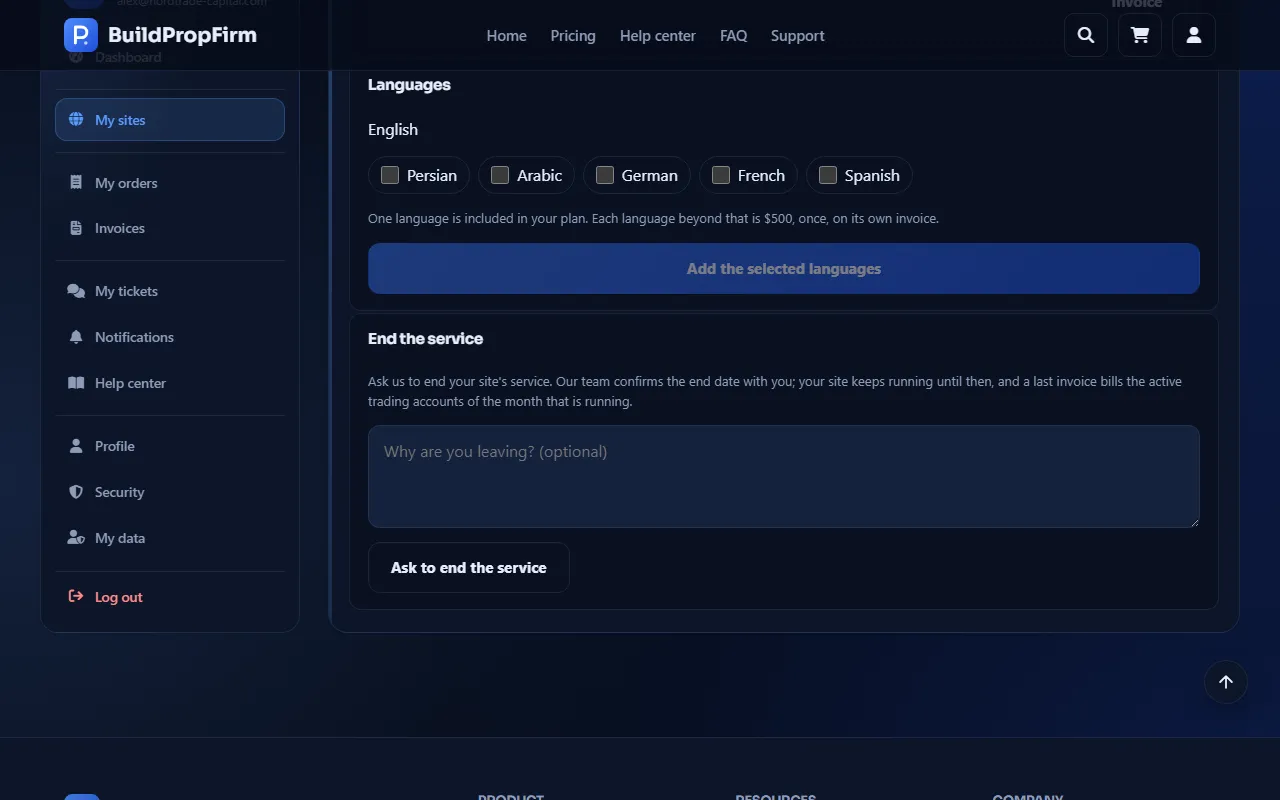
Ask to end the service
Open your site under My sites and scroll to End the service. Optionally tell us Why are you leaving? and click Ask to end the service. You get the e-mail "We received your request to end the service".
We confirm the end date
Our team contacts you to confirm the end date. Your site keeps running until then.
The last invoice
After the end, a Final usage invoice bills the active trading accounts of the month that was running ("Last invoice"). See Refunds for what can be refunded.