How Build Prop Firm works
Start here: from your account to a running prop firm website on your own domain, run from your own admin panel.
What you get
Build Prop Firm builds and hosts a complete prop firm website for your company, on your own domain and with your own brand. Your traders buy challenges on your site and trade on MetaTrader 4 or MetaTrader 5 accounts at the broker you choose. You run the firm from your site's own admin panel; we keep the platform running.
Want to look around first? The demo shows a working site, its admin panel and the templates.
The steps from order to launch
- Create your account with your work e-mail and verify it.
- Order your site on Start: your firm's name, domain, company details, logo, colours, template, features and languages.
- Pay the setup invoice in cryptocurrency. It includes your first month.
- We review your request. You can still change it until we approve it.
- Connect your domain by adding the DNS records shown on your site's page.
- We build your site. When it is up, your site's first admin gets a link to set a password.
- Tell us your broker in a ticket, then open your site's admin and launch.
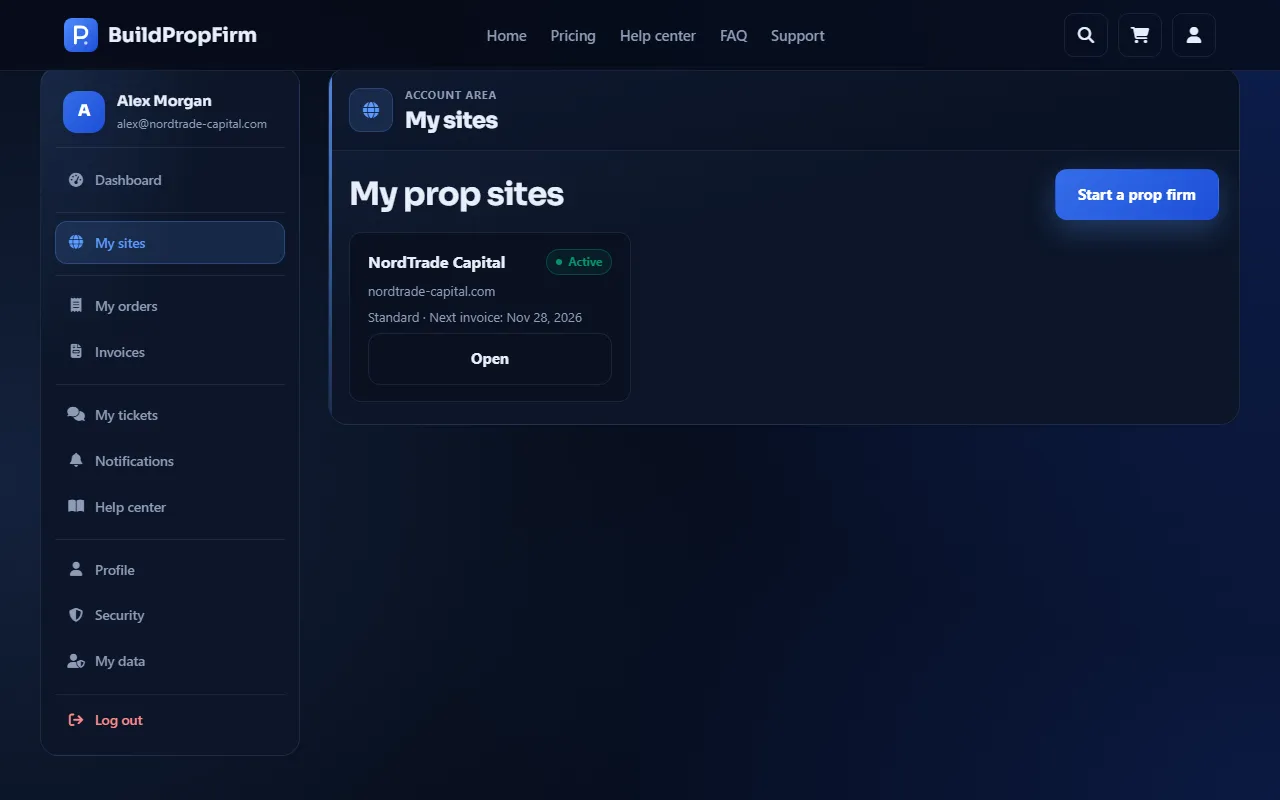
Follow everything under My sites
Each site you order has its own page under My sites: its status, what is still missing, the DNS records, the build progress, its invoices, its active trading accounts and its languages. The status tells you where it stands — see Review, changes and the build.
How you are kept up to date
We e-mail you at every important moment, and the same message appears in your account's Notifications: when your site's status changes, when we ask you to update your request, when the build starts and when your site is ready, when an invoice is issued, paid, due soon or overdue, and when the service agreement changes.
What you pay
A one-time setup fee (shown before you pay, together with the first month and any extra languages), then your plan's monthly fee plus a price per active trading account. All payments are in cryptocurrency. See Monthly billing.