Review, changes and the build
What each site status means, how to answer a change request, and how the build progresses until your site is up.
Site statuses
- Awaiting payment — the setup invoice is not paid yet.
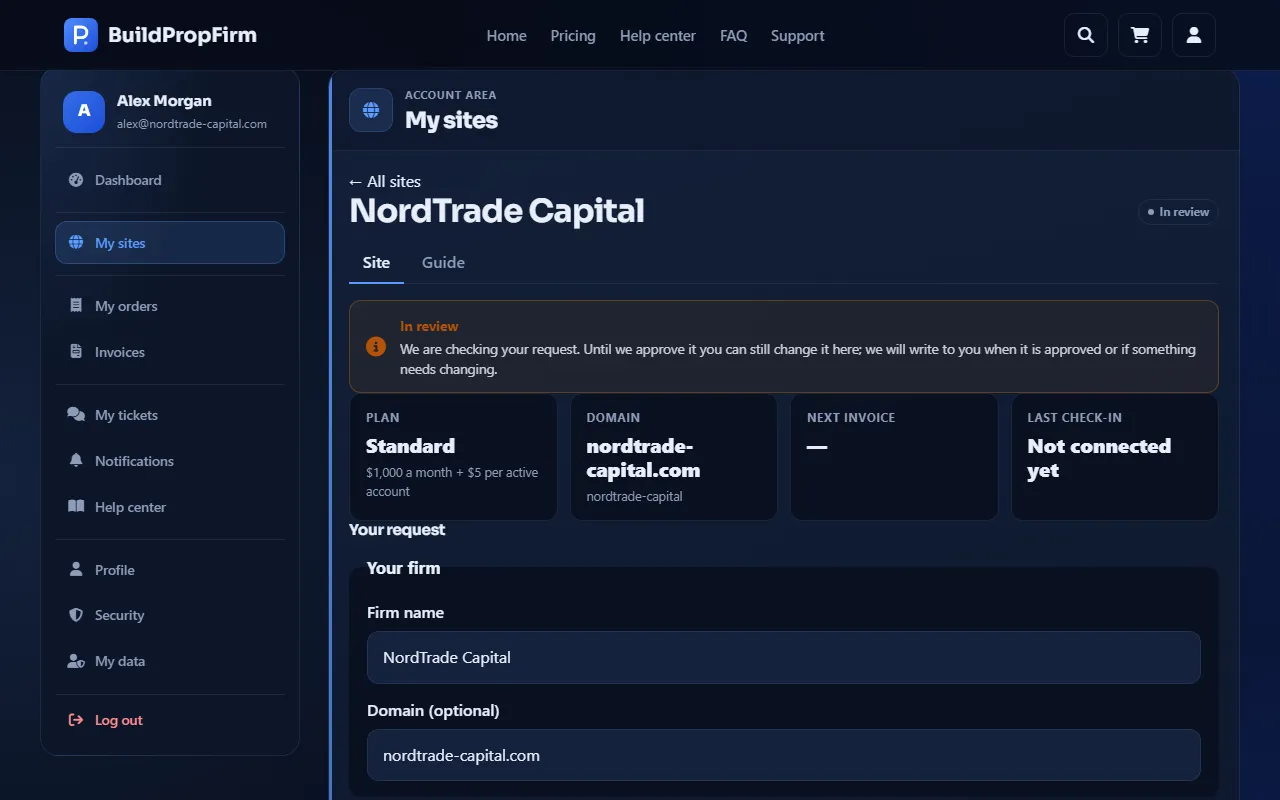
- In review — paid; our team is checking your request.
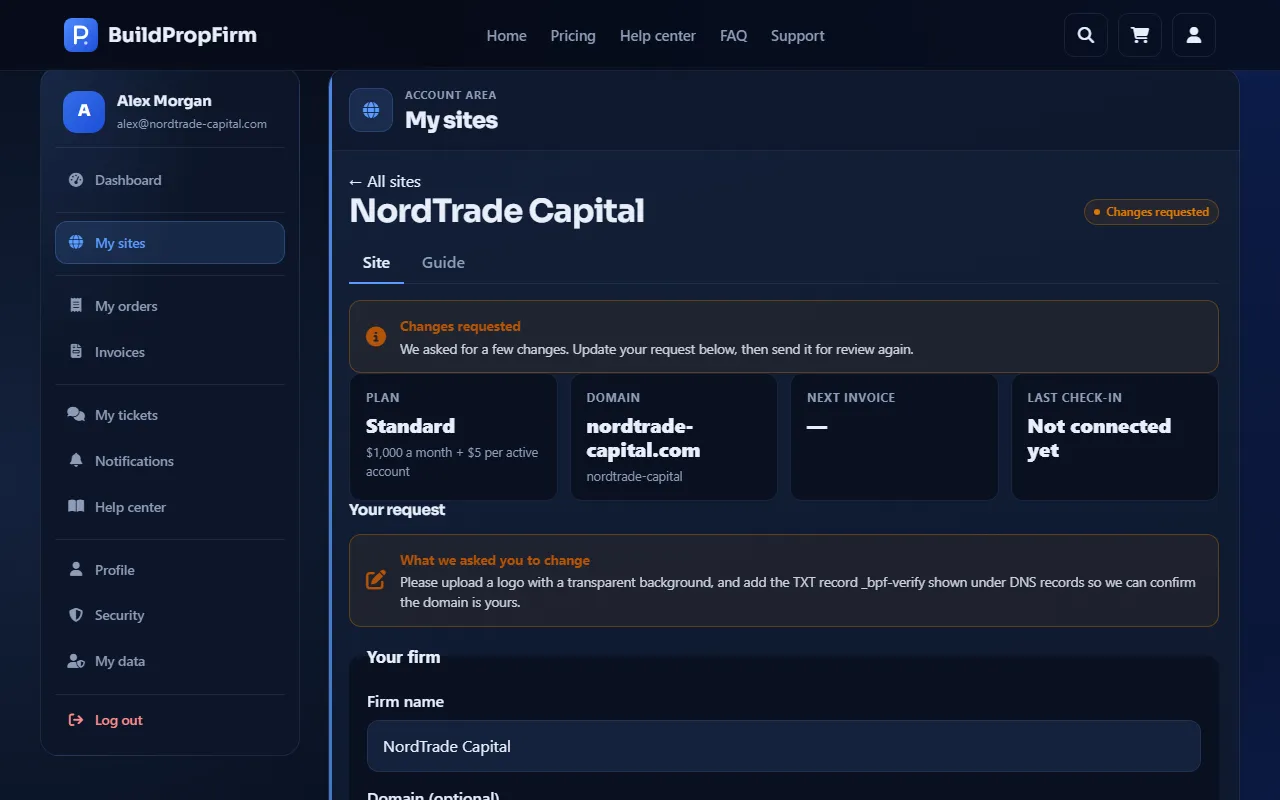
- Changes requested — we asked you to change something.
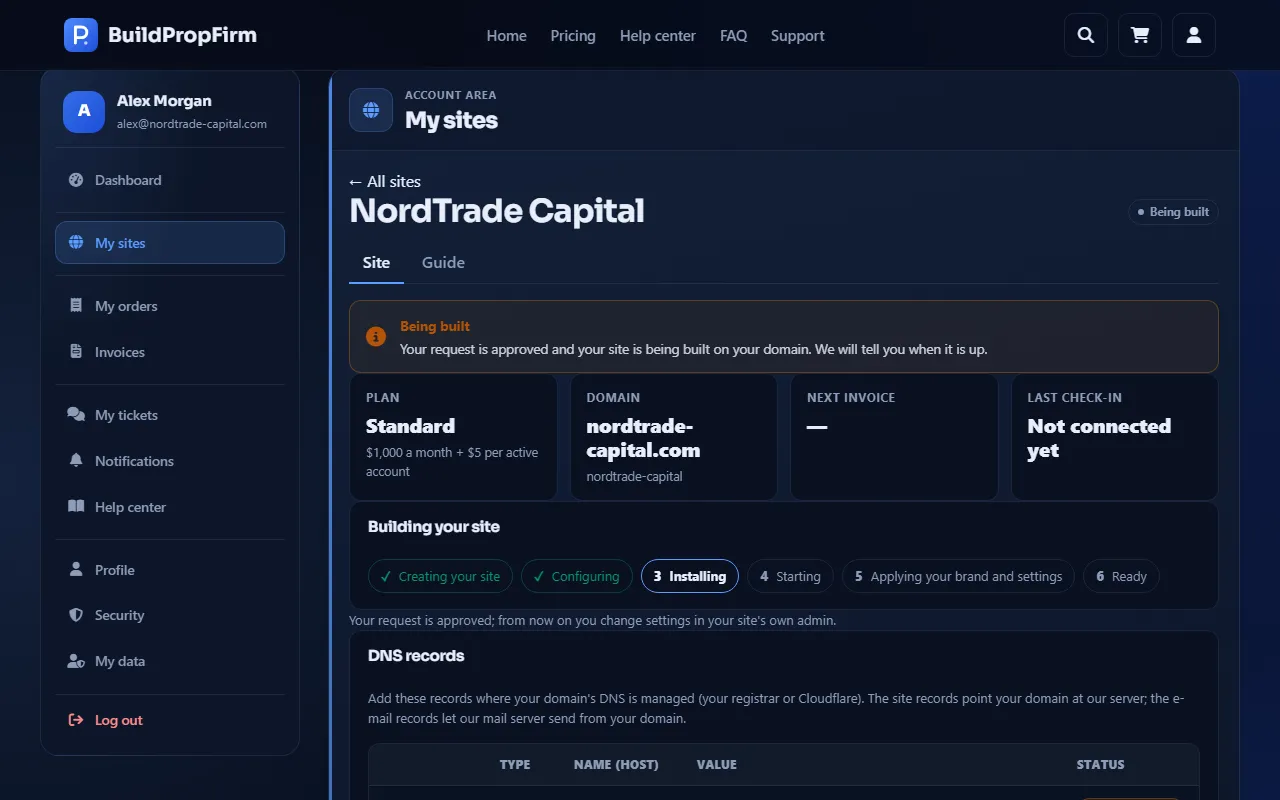
- Being built — approved; your site is being set up on your domain.
- Active — your site is up.
- Sales closed, No new accounts, Suspended — an invoice is overdue; see Late payments.
- Cancelled — the order was cancelled or the request was not accepted.
While we review
Paying the setup invoice moves your site to In review. Until we approve it you can still change your request on the site's page and click Save changes. This is also the time to connect your domain: we approve only when your domain's records are in place.
We then approve the request, ask for changes, or — rarely — decline it. A declined request is Cancelled and the setup payment is refunded in full.
Answer a change request
When the status is Changes requested, our note is shown under What we asked you to change and you get the e-mail "Please update your request". Edit your request, click Save changes, then Send for review again.
After approval
Once we approve, the request can no longer be edited here: from then on you change your site's settings in its own admin panel. The status becomes Being built and you get the e-mail "Your site is being built".
Editing the request is possible only while the site is Awaiting payment, In review or Changes requested.
Building your site
The site's page shows Building your site with its progress: Creating your site → Configuring → Installing → Starting → Applying your brand and settings → Ready. If the build pauses, our team is already on it.
The status turns Active as soon as your new site comes online, and the page says Your site is up. We sent the link to your admin to your admin e-mail. Next: open your site's admin.