Choose your broker and MetaTrader platform
Your site works with MetaTrader 4 and MetaTrader 5 and connects to the broker you choose. How to tell us which one.
How trading works on your site
Your traders trade on MetaTrader 4 or MetaTrader 5 accounts. Your site connects to a broker for market access — Build Prop Firm is not a broker and does not provide a white label; we connect your site to the broker you work with.
Your options
- Any MetaTrader 4 or 5 broker you want — tell us which one and we connect your site to it.
- Your own white label at a broker — if your company already has one, we connect your site to it.
- Manager API access from a broker — if a broker has given you Manager API access, we can connect your site to that.
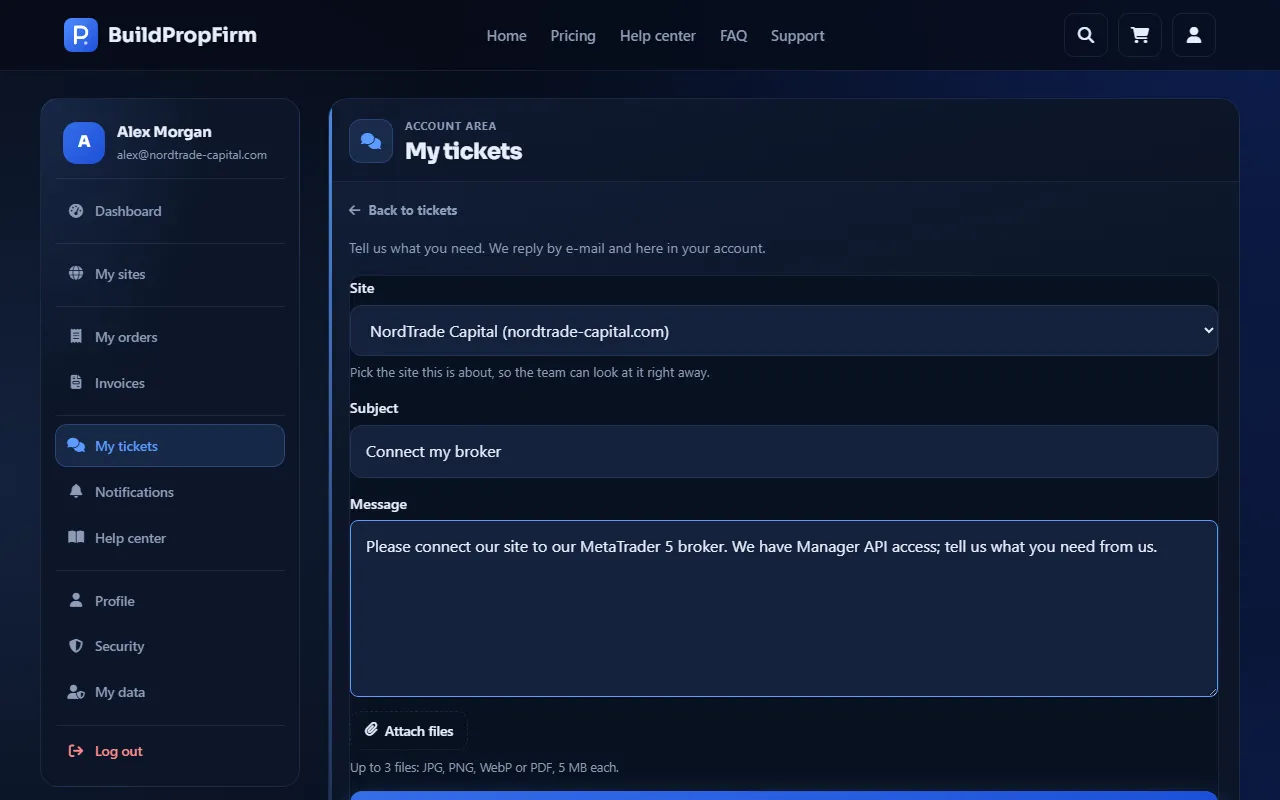
Tell us in a ticket
The order form has no broker fields. After you order, open a new ticket, choose your site under Site, and tell us the broker, whether you use MetaTrader 4 or MetaTrader 5, and which of the options above applies. Our team replies in the ticket with anything else we need and confirms when your site is connected.
When to do it
As early as you can — ideally right after ordering, while your request is in review — so your site can be connected while it is being built.