Add languages to your site
Add more languages to a site you already have, and how the one-time Languages invoice works.
Choose the languages
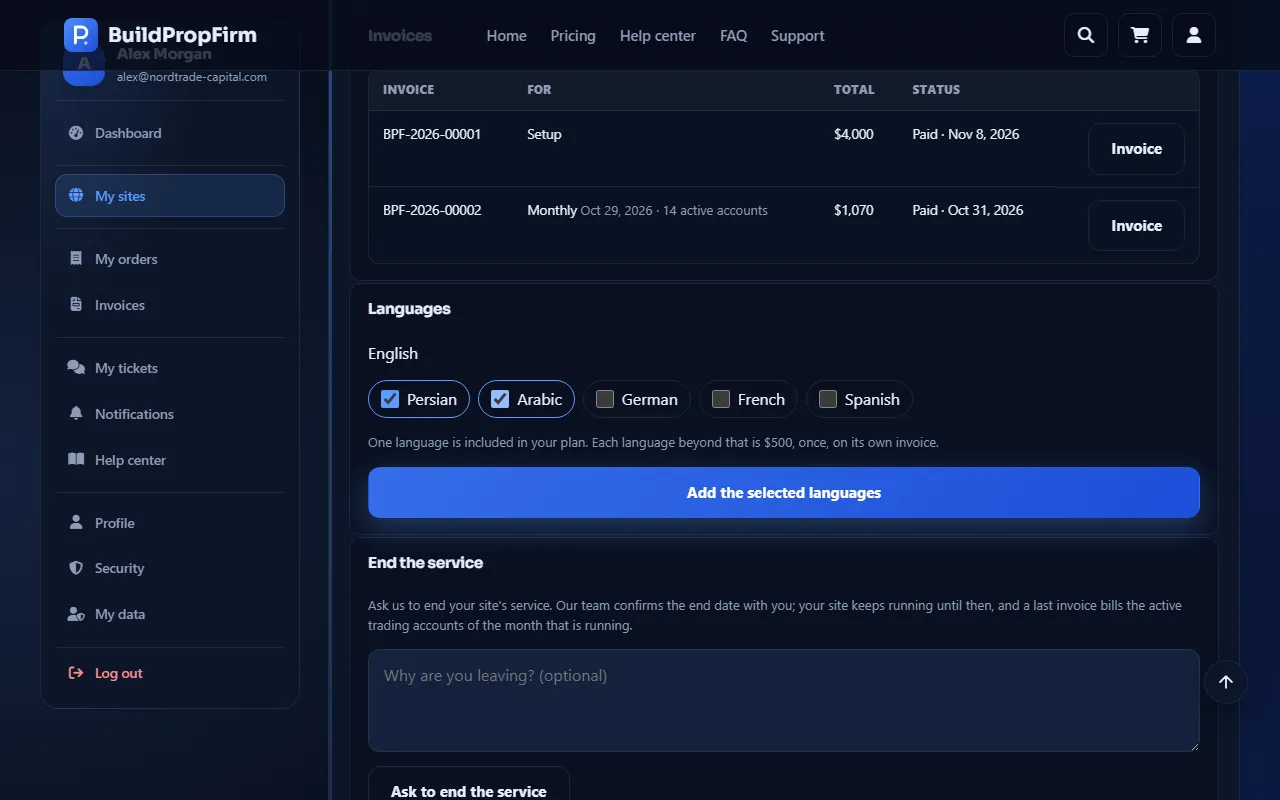
Open your site under My sites and find its languages. Your plan includes a number of languages; tick the missing ones you want and click Add the selected languages.
Pay the Languages invoice
Each language beyond your plan has a one-time price and is billed on its own Languages invoice. Languages that need payment wait for that invoice; pay it with Pay in the site's invoices. Only one Languages invoice can be open at a time.
Changed your mind?
A Languages invoice is the only invoice you can cancel yourself: click Cancel next to it while it is open.
An unpaid Languages invoice never closes sales or pauses your site.
Languages when ordering
Languages chosen on the order form are part of the setup invoice instead (the Extra languages line). See Order your prop firm site.